Your illustrated-book studio
Write it.
Illustrate it.
Finish it.
Write, illustrate and design in one place.
Then prepare your book for PDF, Kindle
and Amazon KDP.


Start with your own words. Use AI when you want a hand.
Start your way
Keep your world together
Prepare for readers
You bring the story.
We help it take shape.
A blank page, a rough idea or a manuscript you already love. There’s a way in for each.
Write it yourself.
Open a new book, add chapters and write in your own voice.
Start from a blank page ↗Bring your manuscript.
Import Word, text or Markdown and keep building from there.
Give your draft a home ↗Get a little help.
Develop an outline, draft chapters or revise a passage with AI.
Explore writing help ↗Less switching.
More creating.
Your writing, artwork and page design belong in the same conversation.
A whole world.
Kept together.
Your characters, setting, mood and time of day stay close to your story. Edit those details and use reference images to guide the artwork.
- Keep story details in one place
- Choose which details guide an image
- Use up to three image references
CharacterA curious blue bird
SettingA seaside town
MoodPlayful, hopeful
Time of dayMorning
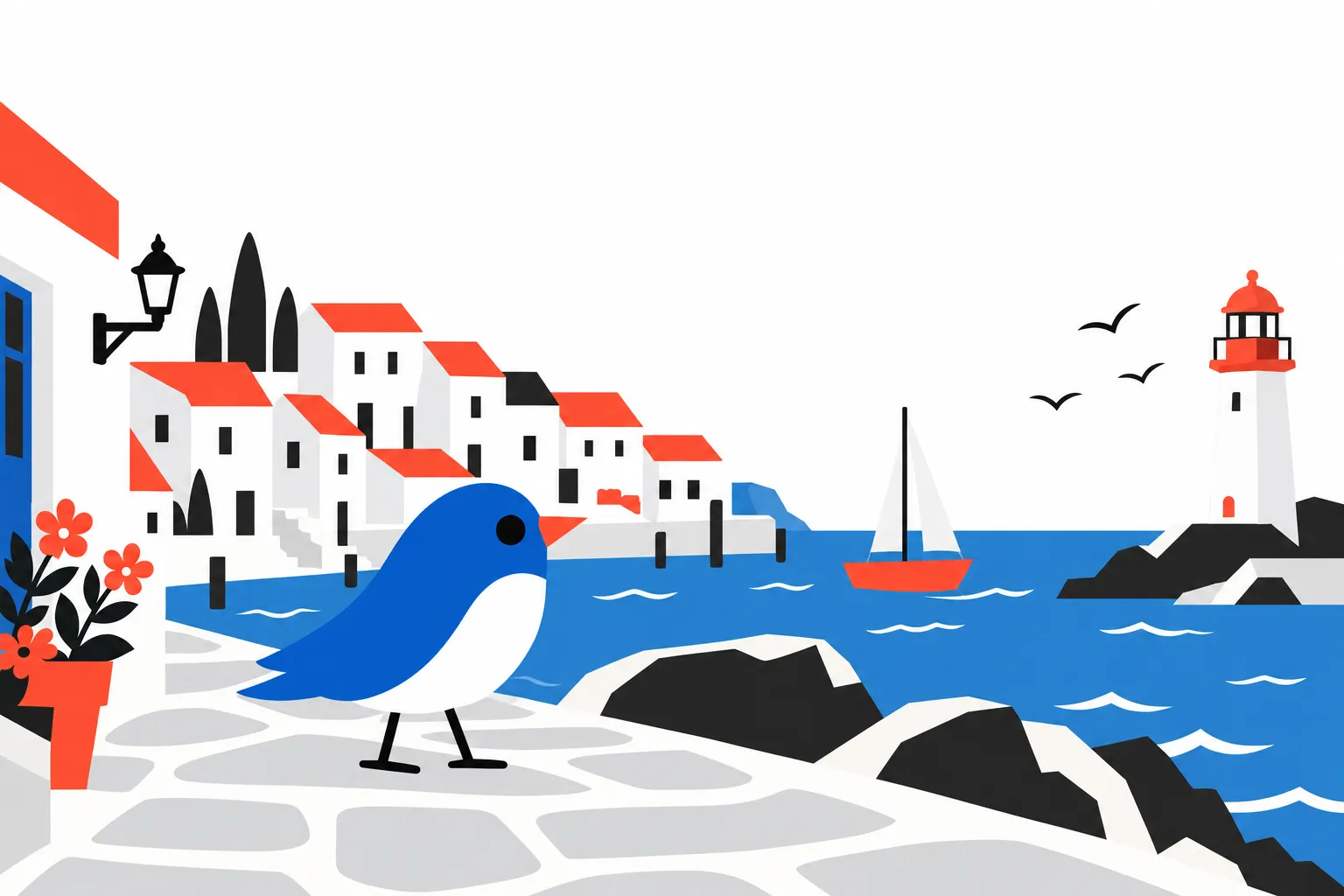
Illustrative example. Your details help guide each result.
The last mile
has a workspace.
Prepare the files, review your proof and gather your listing details. Arrive at Amazon KDP with your book organised.
Prepare your bookYou upload, review and submit in your own Amazon KDP account. Amazon makes the final publishing decision.
- PDFPrint interiorBook pages prepared for the print edition
- PDFFull-wrap coverBack cover, spine and front cover
- EPUBKindle editionA separate ebook file and cover
- TXTListing detailsDescription, keywords and publishing notes
Big idea.
Useful little details.
Explore the tools that help you get from “I should write a book” to your next finished page.
No tools match that search. Try “cover”, “chapter” or “export”.
Can I write the book myself?
Yes. Start with a blank book, use a chapter structure, or import a manuscript. AI writing and illustration are optional tools you can choose when they help.
Can I bring an existing manuscript or my own artwork?
You can import Word (.docx), text (.txt) and Markdown (.md) manuscripts, as well as an Ink & Page backup. You can also upload your own artwork and cover images.
Does it prepare my book for Amazon?
Publishing Studio prepares a print interior, full-wrap cover, Kindle EPUB and listing details, with proof review and file checks. You download the package, upload it in your own Amazon KDP account, review Amazon’s preview and submit there. Ink & Page does not guarantee approval or automatically publish for you.
Will my character look exactly the same in every image?
Book Memory and image references help guide character and visual continuity. Generated images can still vary, so review the results, compare options and regenerate or upload artwork when you want a different result.
Where are my books saved?
Signed-in books and images are stored with your account using Firebase, with a local cache for offline work. Internet access is needed for AI generation and some operations. Guest mode lets you explore; sign in to keep your library with an account.
What can I download and share?
Export reading and book-layout PDFs, a Kindle EPUB, or the Amazon publishing package. Downloading and exporting need a Writer or Author plan or the free trial. Save your files and use your device’s supported sharing options. Printing and messaging depend on your device and the apps installed.
Are AI generations unlimited?
No. AI illustrations and writing help use credits: an illustration costs 1 credit in a Digital book and 3 in a Print book, and each writing request costs 1. The Writer plan includes 50 credits a month and the Author plan 125; each starts with a 3-day free trial with 3 credits, and subscribers can add credit packs. Writing, designing and previewing stay free. The app asks for your consent before sending content to an AI provider, and you can change that choice in the app’s privacy settings.
Give your next book
a place to begin.
From a first sentence to files you can share.
One creative workspace, all the way through.